Special Collections
(760) 750-4312
archives@csusm.edu
Hours: by appointment
Researching with Special Collections Materials
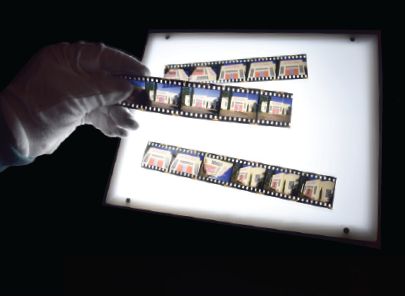
Researching with Special Collections materials is different from how it is done elsewhere in the library. While many of our materials are cataloged and available in the Library’sOneSearch database, many others are not. We recommend starting your research with the Library's Archives Search database. If you are looking for scholarship created by CSUSM faculty, staff, and students, start your research with ScholarWorks.
We also recommend emailing Special Collections, as some collections are not processed but may still be available for research use. Special Collections librarians and archivists can assist you in better understanding what holdings we have that may be of use to you.
How to use Archives Search
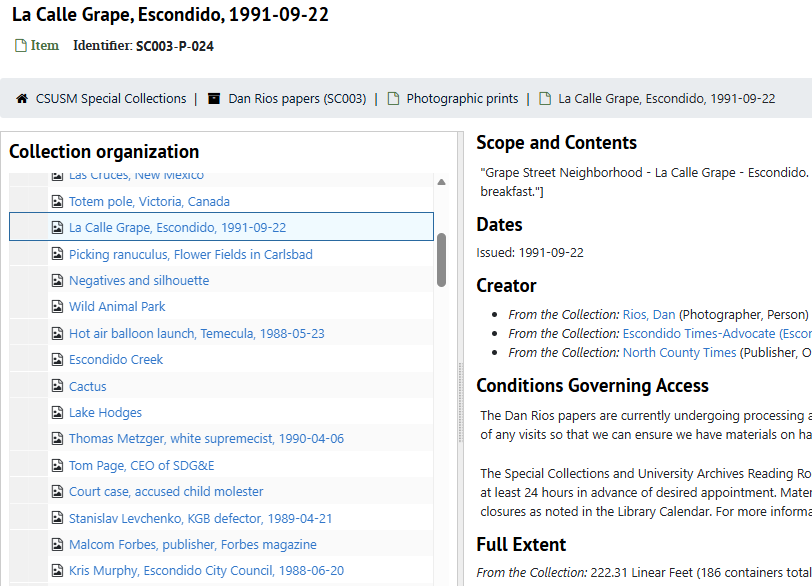
Finding aids, available on our Archives Search database, are detailed descriptions of the contents of an archival collection. Collections may be very large in scope, in some cases with hundreds of boxes and thousands of folders, and may contain documents, photographs, born-digital materials, audiovisual formats, maps, artwork, and more.
Please see the following links about how to research with our Special Collections materials.
Visiting for Research

While sometimes we can assist researchers virtually, in other cases your research may necessitate a visit to view our materials. Special Collections is open for research visits to everyone; members of our campus, region, and from farther afield. Research visits are by appointment only, during the hours of 8 am – 4 pm. Please email us to set up an appointment.